
I can't send email (receiving does work)
Does your mail arrive fine, but sending not work? Does a message stay stuck in your Outbox or do you get an error message? With this checklist you'll usually find the cause within a few minutes.
1. Test first in webmail
Log in at webmail.weboke.nl with your full email address and password, and send a message to another address of your own.
- Does it work in webmail? Then it's down to the settings of your mail program or phone. Continue with step 2.
- Doesn't it work in webmail either, or does the mail bounce back with an error message? Go to step 3.
2. Check the outgoing server (SMTP)
- Server: your domain name (yourdomain.nl) if your website is hosted with WebOké, or the server name of your package, such as linux2023.webawere.nl. You can find this in My WebOké under My Products, in the Server column.
- Port and security: 587 with STARTTLS, or 465 with SSL/TLS. Don't use port 25: many internet providers block this.
- Authentication on: the outgoing server requires you to log in. Use your full email address as the username and the password of the mailbox. If authentication is off, you can read but not send.
- Password changed? Also enter the new password for the outgoing server. Some programs store it separately there.
All settings at a glance can be found in All settings at a glance.
3. Causes on the server
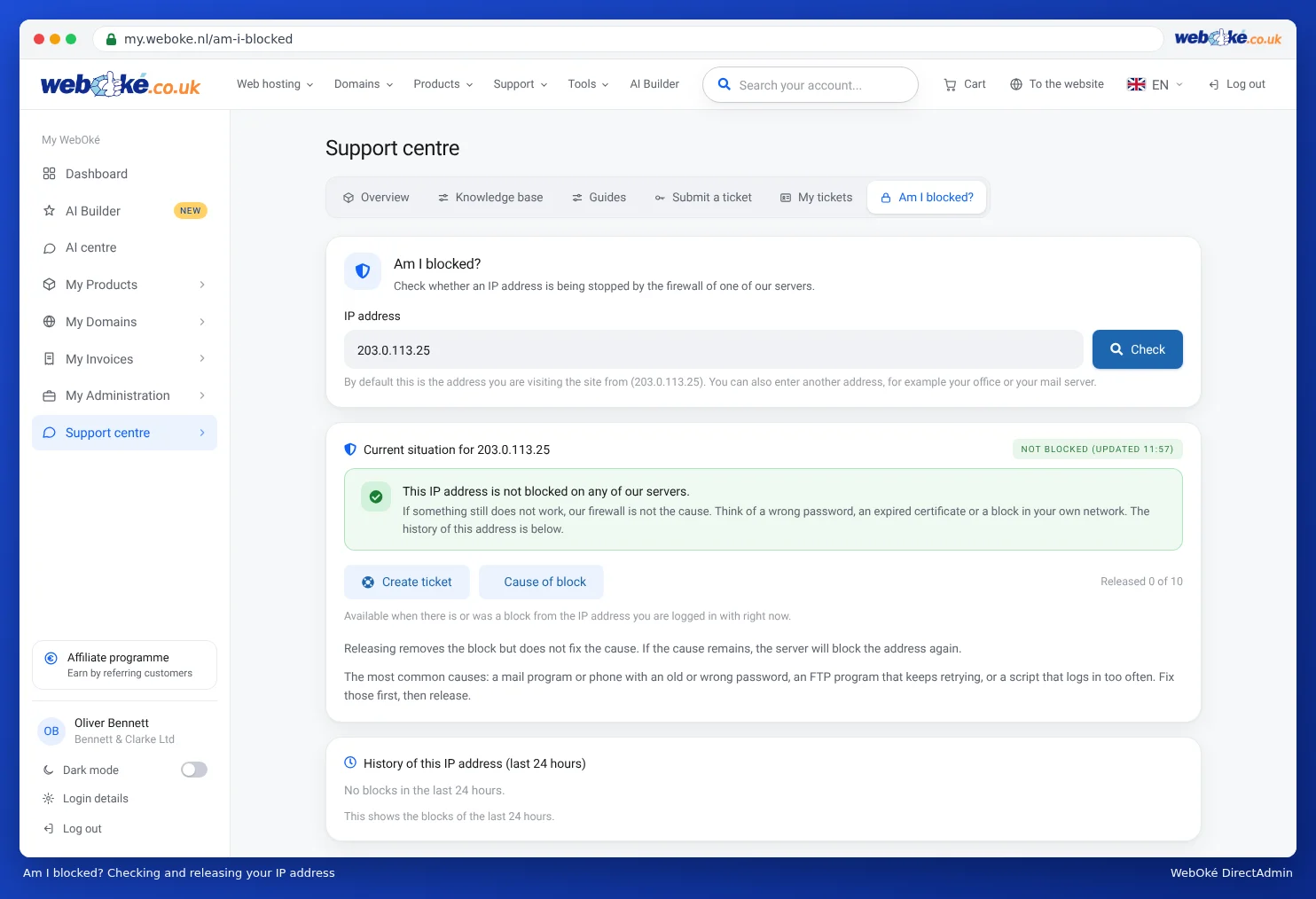
- Your IP address is blocked. If a device keeps trying with an old password, the firewall blocks your IP address. Often your website and webmail also stop working from that connection, but it does work via 4G. Check this in My WebOké under Support Centre › Am I blocked?. First set the correct password on all your devices and only then unblock the address. See Am I blocked?
- The sending limit has been reached. A maximum applies per mailbox and per package per day. You'll see a message such as
message limit reached. See Limit for sending mail. - Your mailbox has been misused. Limit reached while you yourself send very little? Then someone else may be sending spam through your mailbox. Change the password immediately and read My email addresses are being used to send spam.
- You're sending from a different address. If the sender address is a different address than the mailbox you log in with, the server will reject the mail. See Mailing from multiple aliases.
- Your package is full. Then your mail program can't save the mail in Sent and it looks as if sending failed.
Does a message stay stuck in your Outbox in Outlook?
Then often one message is blocking the rest, for example because of an attachment that's too large. Open the OUTBOX, drag the message to Drafts or delete it, and send it again without an attachment or with a smaller one. A message may be a maximum of 20 MB, including attachments. It's better to share large files via a link, for example from your Nextcloud.
Common error messages
- Relaying denied / Relay access denied: you're not logged in to the outgoing server. Turn on authentication.
- Authentication failed: wrong password, or not using the full email address as username.
- Connection failed or timed out: wrong server or port, port 25 blocked by your provider, or your IP address is blocked.
- Certificate invalid: use the server name of your package as the server.
- Account ... can not send emails from ...: you're sending from a different address than your mailbox.
Does your mail only fail to arrive at one recipient, or does it end up in their spam there? Then it's not down to sending. Check whether SPF, DKIM and DMARC are set up correctly, for example with Domain health.
Can't figure it out? Create a ticket in the Support Centre. Mention the email address, your mail program or phone, the settings you entered and the exact error message. Never include your password.
Detailed explanation with screenshots: I can't send email and Sending or receiving doesn't work: here's how to fix it in the DirectAdmin manual.